Step 1. Create a VPC CloudFormation Stack
- Download this CloudFormation template to your local machine.
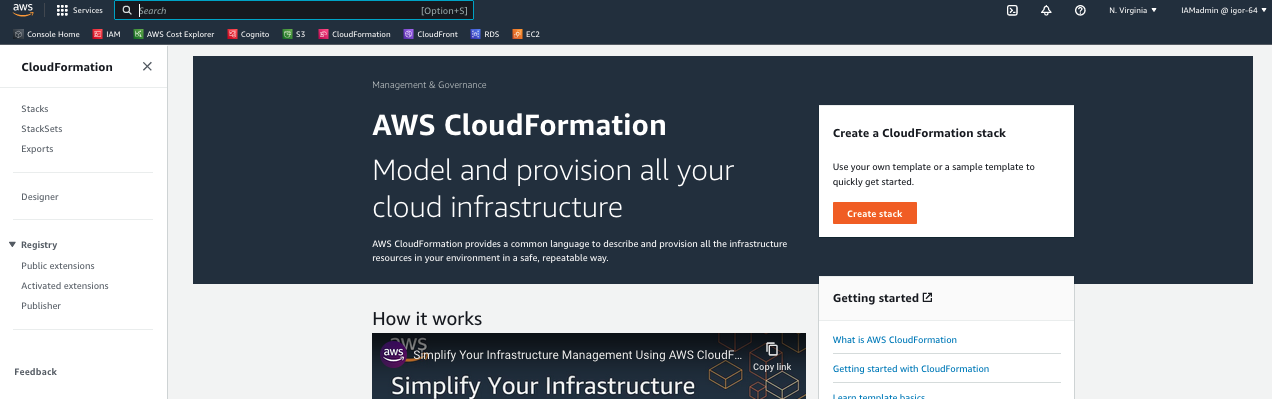
- Visit CloudFormation console and click “Create stack”. Choose “With new resources (standard)” in the drop-down.
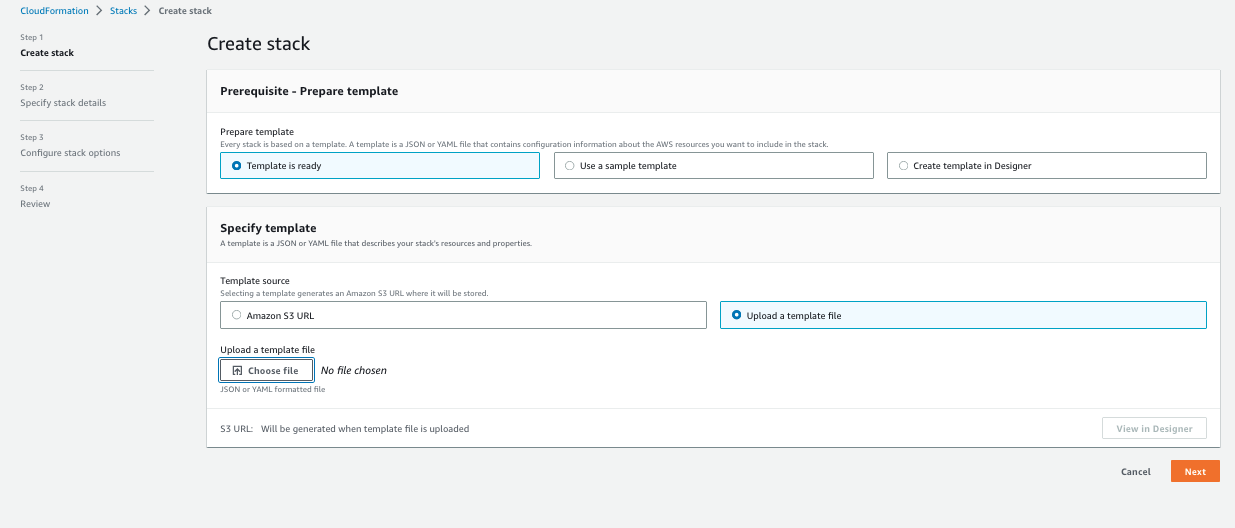
- Scroll down and select “Upload a template file”, then select the
new-vpc.templatethat was downloaded before. - Click Next
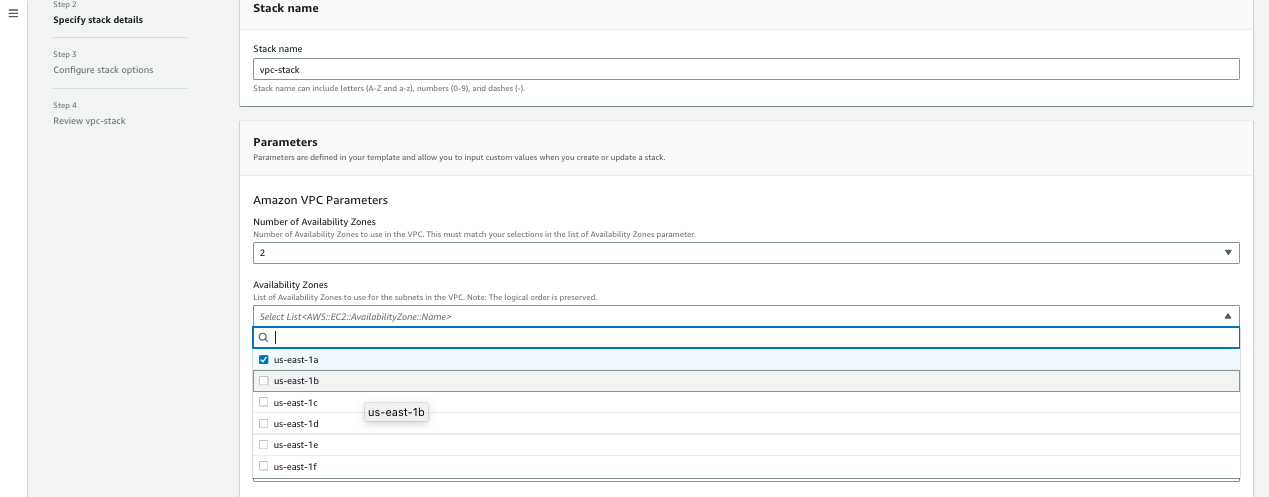
- For Stack name, enter
vpc-stack. - For Number of Availability Zones select 2.
- For Availability Zones, choose us-east-1a and us-east-1b.
- Leave other setting as default value and click Next.
- Click Next in Configure stack options stage.
- On the Review page, review and confirm the settings.
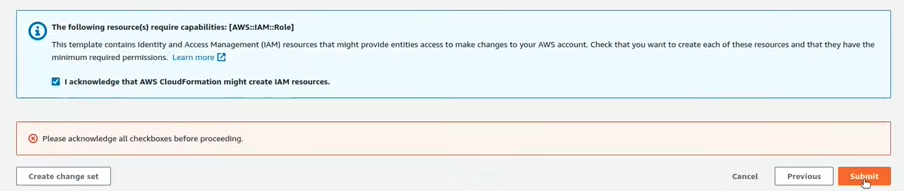
- Check the box acknowledging that the template will create IAM resources and Click Create Stack
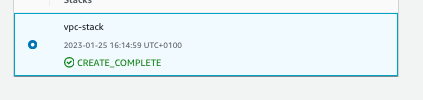
- After 3-5 minute, reload the CloudFormation Stacks page. When the status of “vpc-stack” shows CREAT_COMPLETE, click the Outputs tab. Here you will see some of the resources that were created via the CloudFormation template, specifically the VPC and the related Subnets.